
Help centre
Stock, locations and transfers
Hold goods in more than one place, move them between places, count them, and check the stock against the ledger.
6 min read6 steps
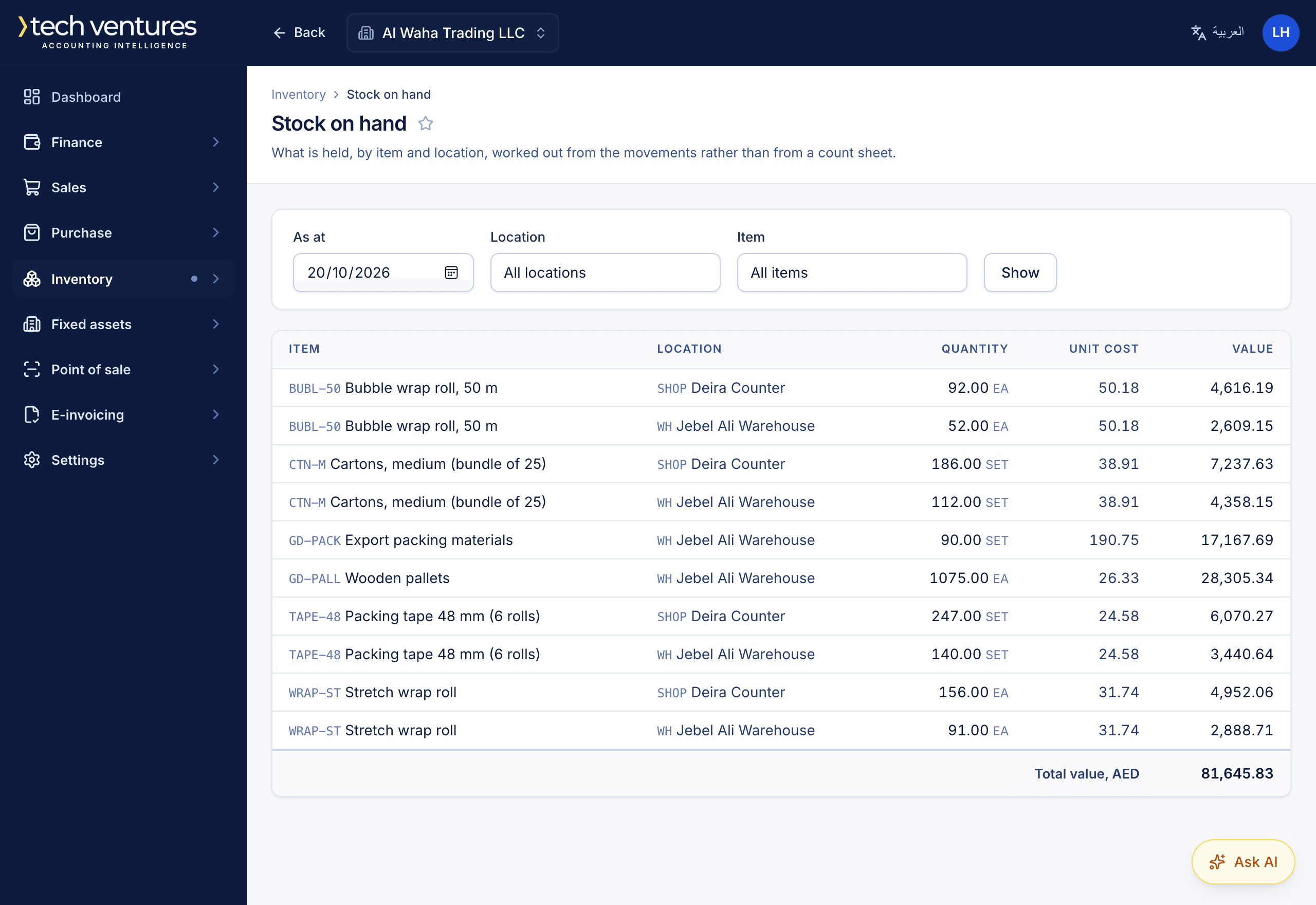
A tracked item's goods are an asset. Buying one debits inventory rather than an expense, and selling one charges cost of sales at what the books hold it at. Every quantity and value the inventory screens show is summed from stock movements, and the inventory account is reached separately from journal lines — so the two can be put side by side.
Step by step
- 1
Add your locations
Inventory › Locations. A warehouse, a shop, a van — anywhere goods sit. One of them is the default, and a document line that needs a location starts on it.
- 2
Choose the costing method
Settings › Inventory. Weighted average or FIFO, once per company. It is fixed the moment stock has moved, because changing it would restate the cost of everything already sold.
- 3
Mark the items you hold as tracked
Only goods can be tracked. A tracked item on a purchase invoice goes into stock at the line's location; on a sales invoice it comes out of stock and its cost goes to cost of sales.
- 4
Move stock between locations
Inventory › Stock transfers. Pick the location the goods leave and the one they arrive at. A transfer posts no journal entry — goods are worth the same wherever they sit — but every movement is recorded.
- 5
Adjust after a count
Inventory › Stock adjustments. Each line carries its own sign, because a count finds some things and loses others; the sheet posts one netted entry to the inventory account.
- 6
Check the stock against the ledger
Inventory › Stock valuation prints the value of what is held beside the inventory account's balance. They are reached independently and should agree; if they do not, the movements ledger names the document behind every change.
Questions about this
Can I sell something the system says I do not have?
By default, yes: it is costed at the last known price and the movement is marked estimated, because the shelf is sometimes ahead of the paperwork. Settings › Inventory can refuse it outright instead.
Why does a stock transfer have no journal entry?
Because nothing is worth more for having moved shelves. The inventory account holds the same value before and after; only the location of the goods changes.